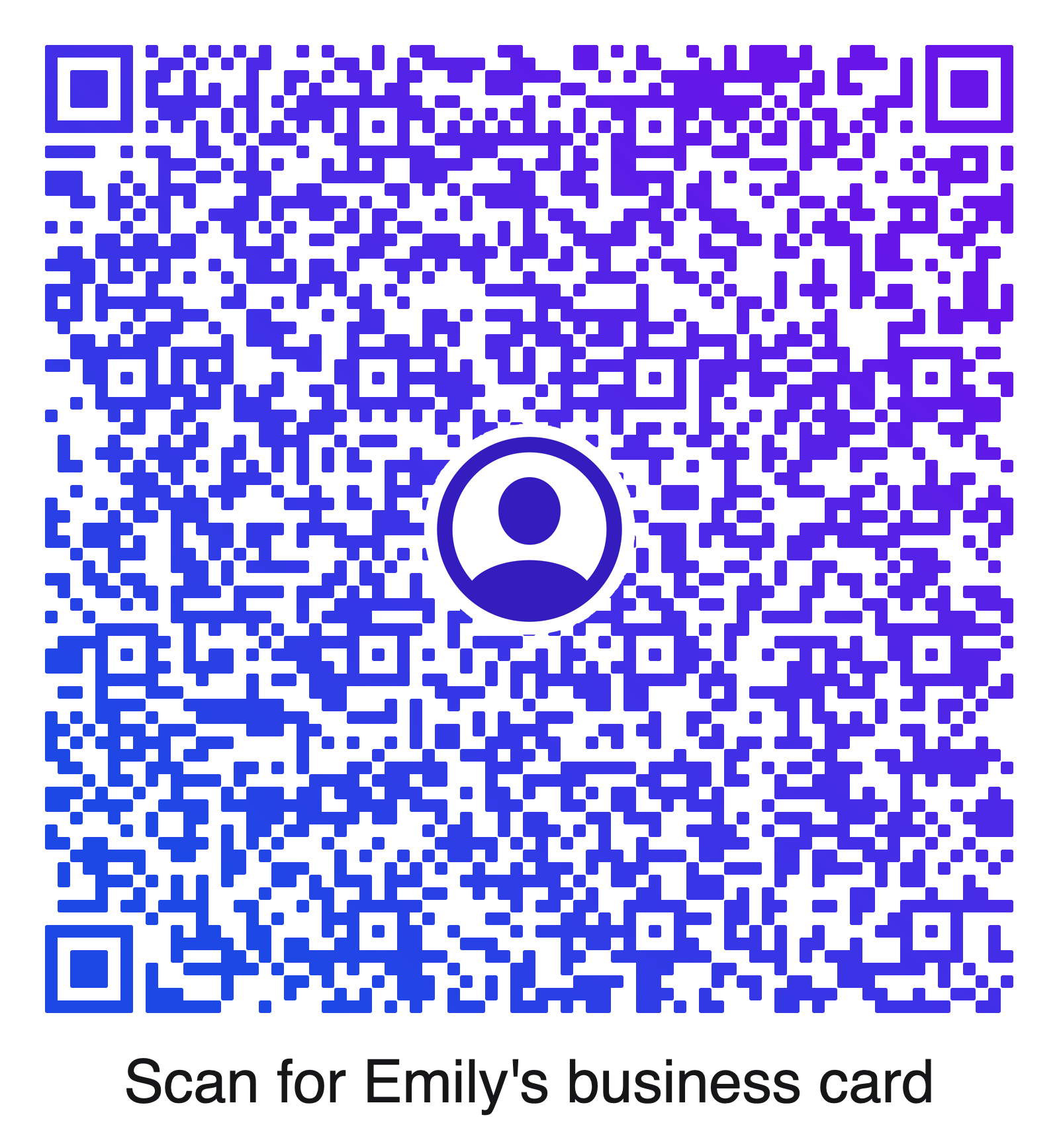
Create a Single QR Code
Choose a template, enter the details, customize the look, verify that it scans, and export.
Create, customize, verify, and export QR codes for detailed contact information, Wi-Fi, websites, inventory, packaging, events, and more.

Available for macOS 12+ and iPadOS 15+.
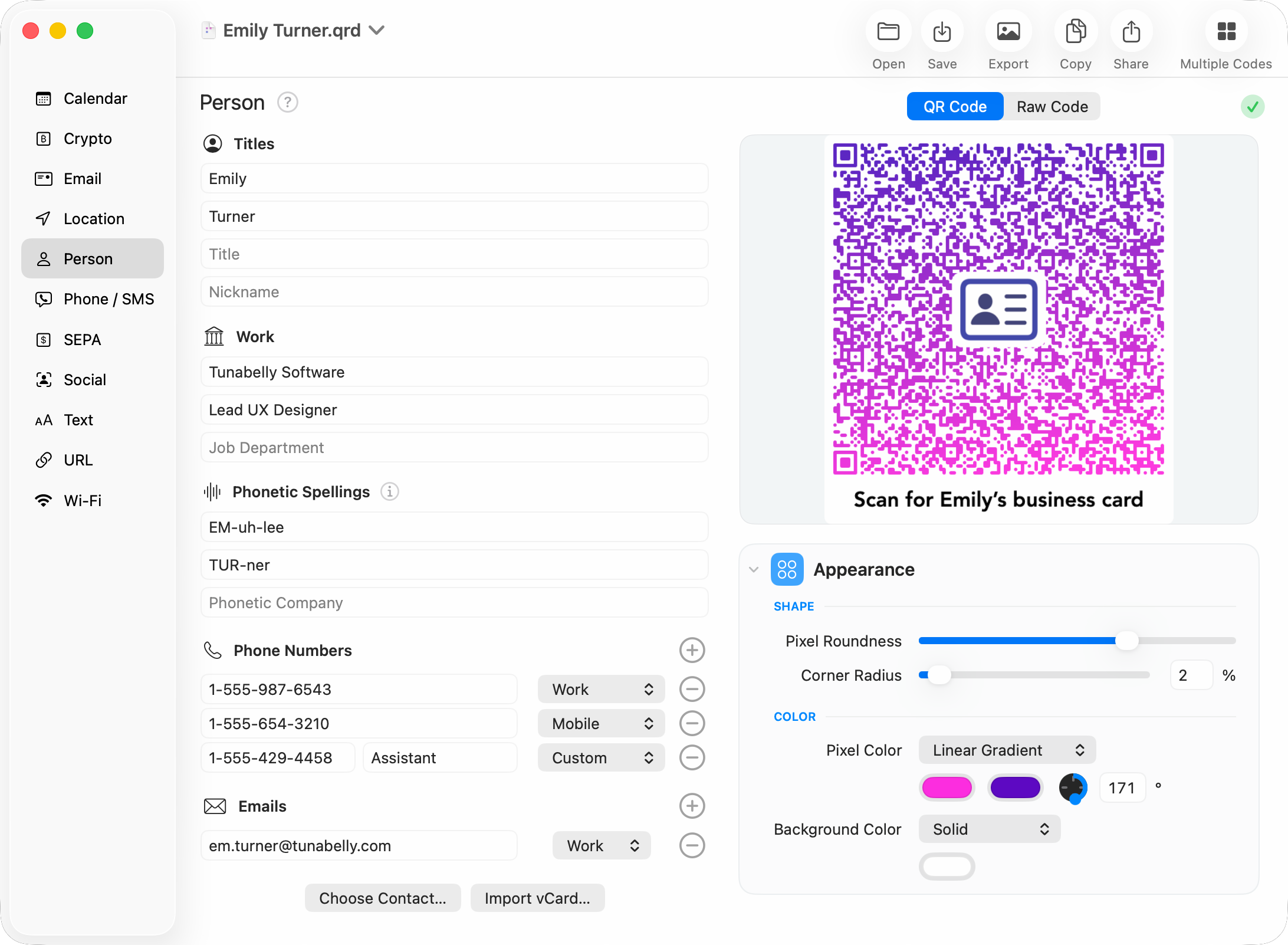
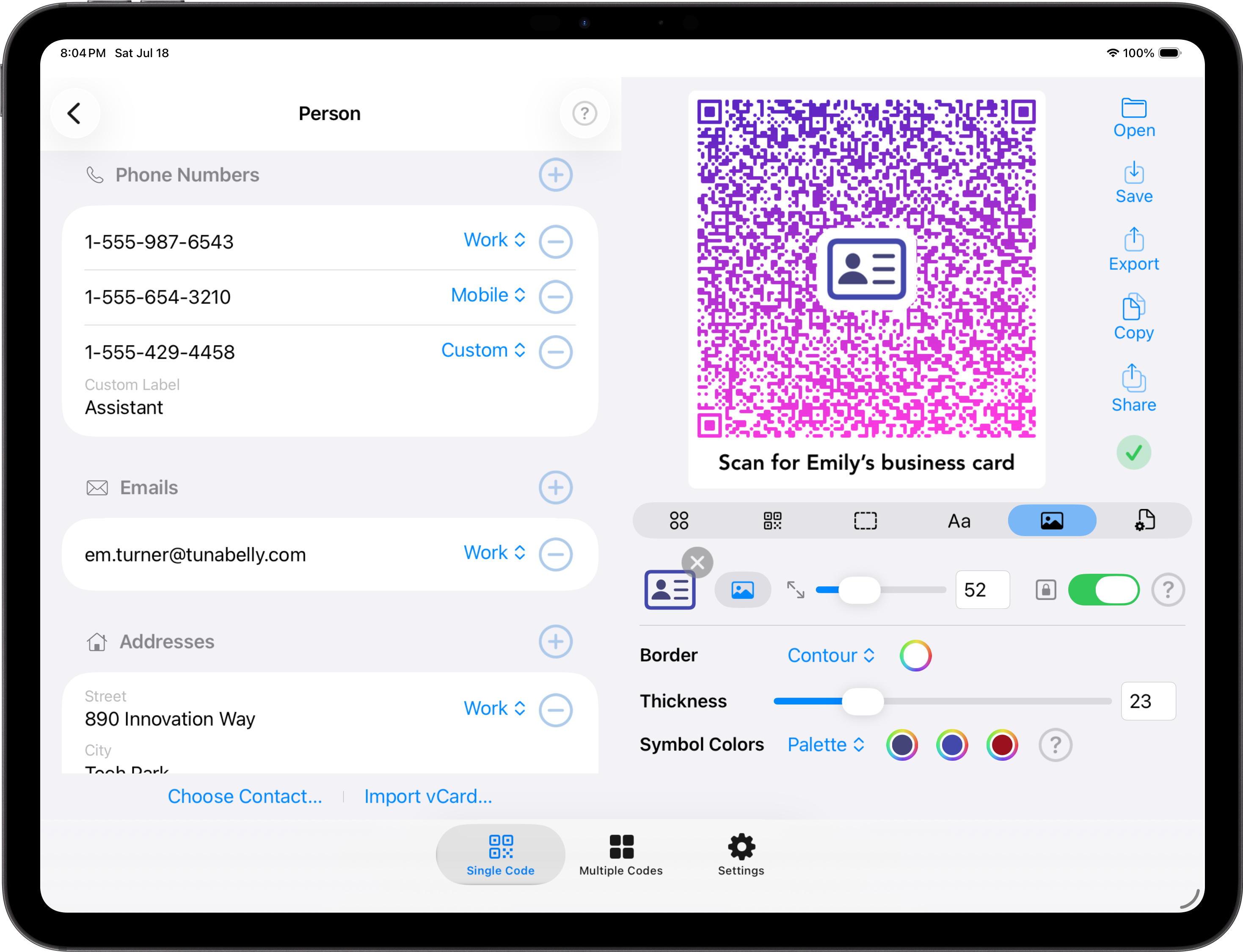
How It Works
QR Factory 3 keeps the quick jobs easy without leaving professional workflows behind.
Choose a template, enter the details, customize the look, verify that it scans, and export.
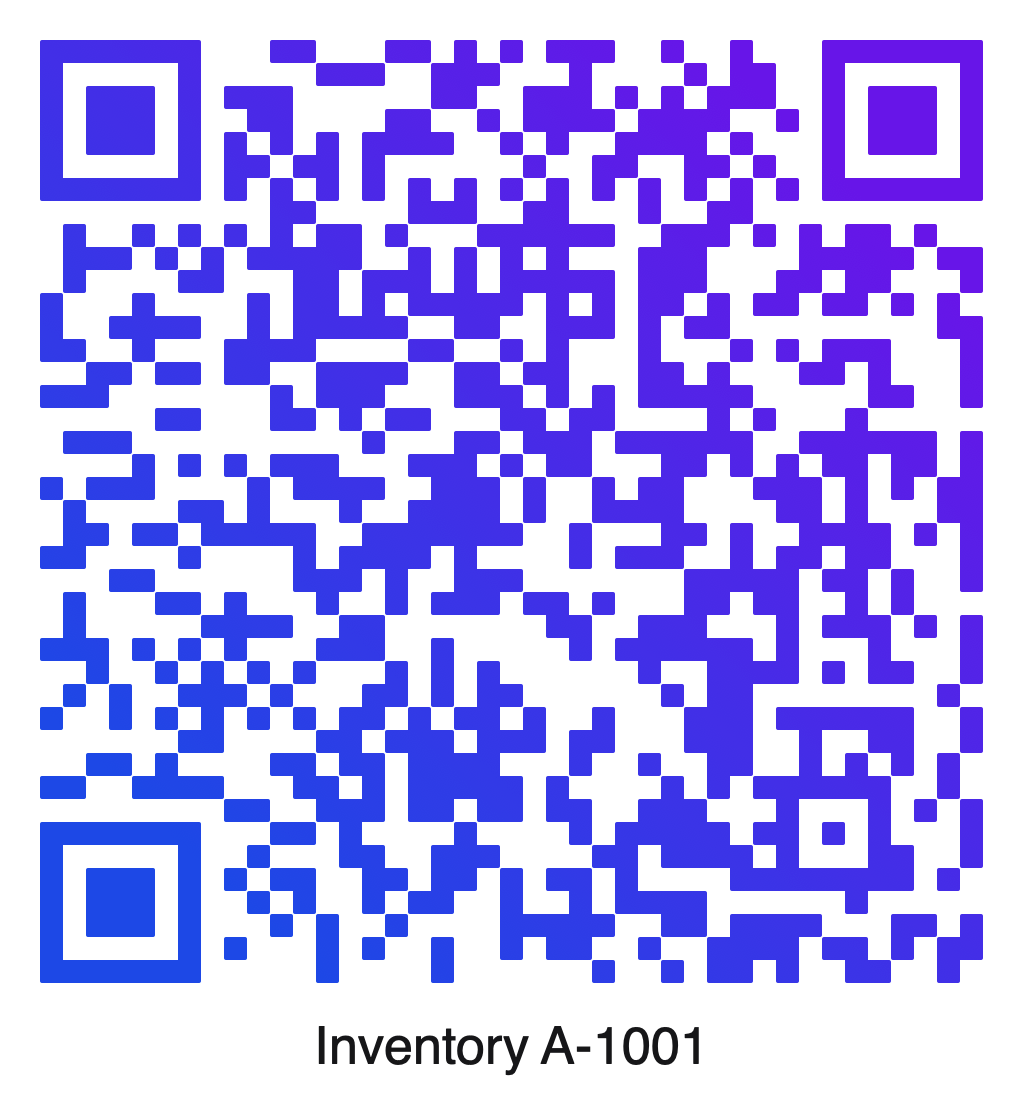
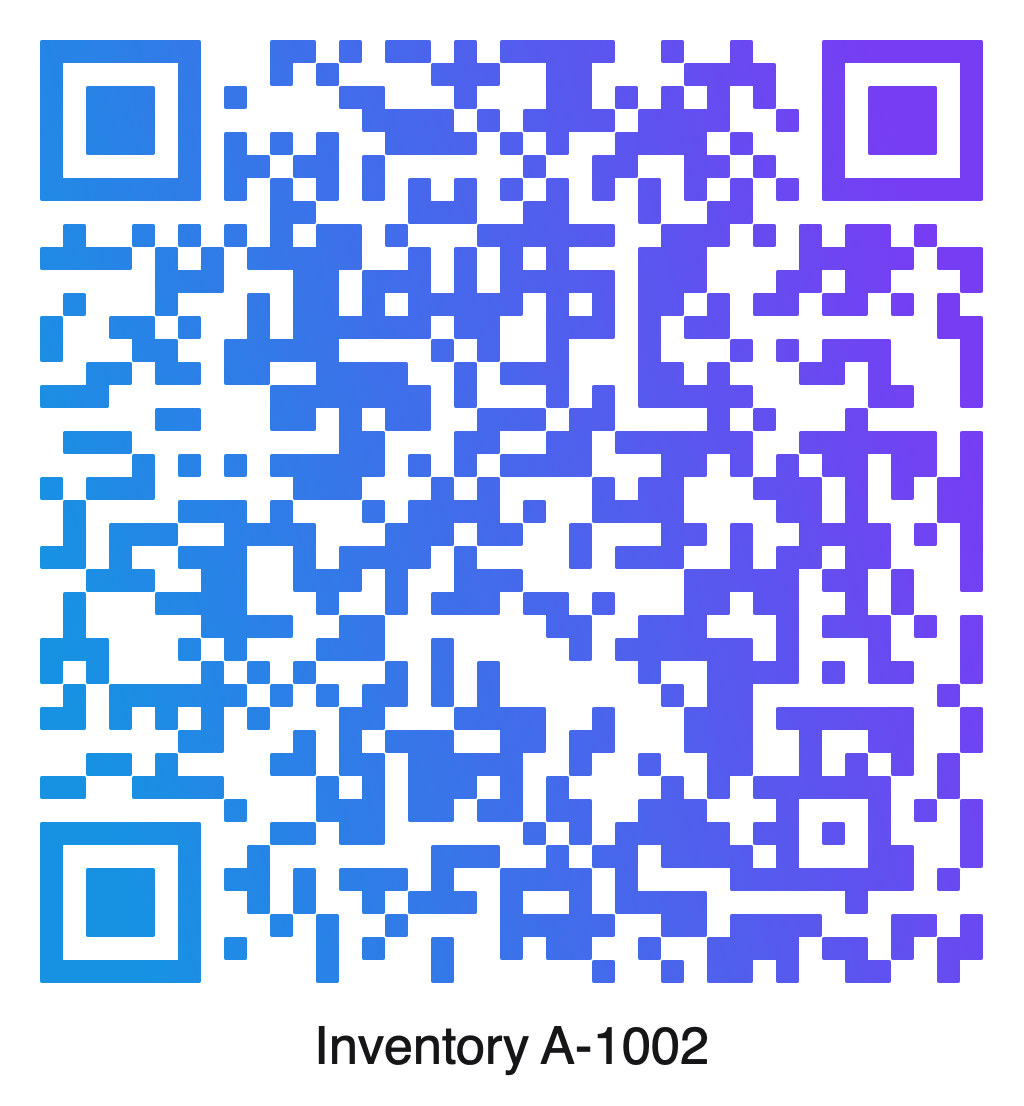
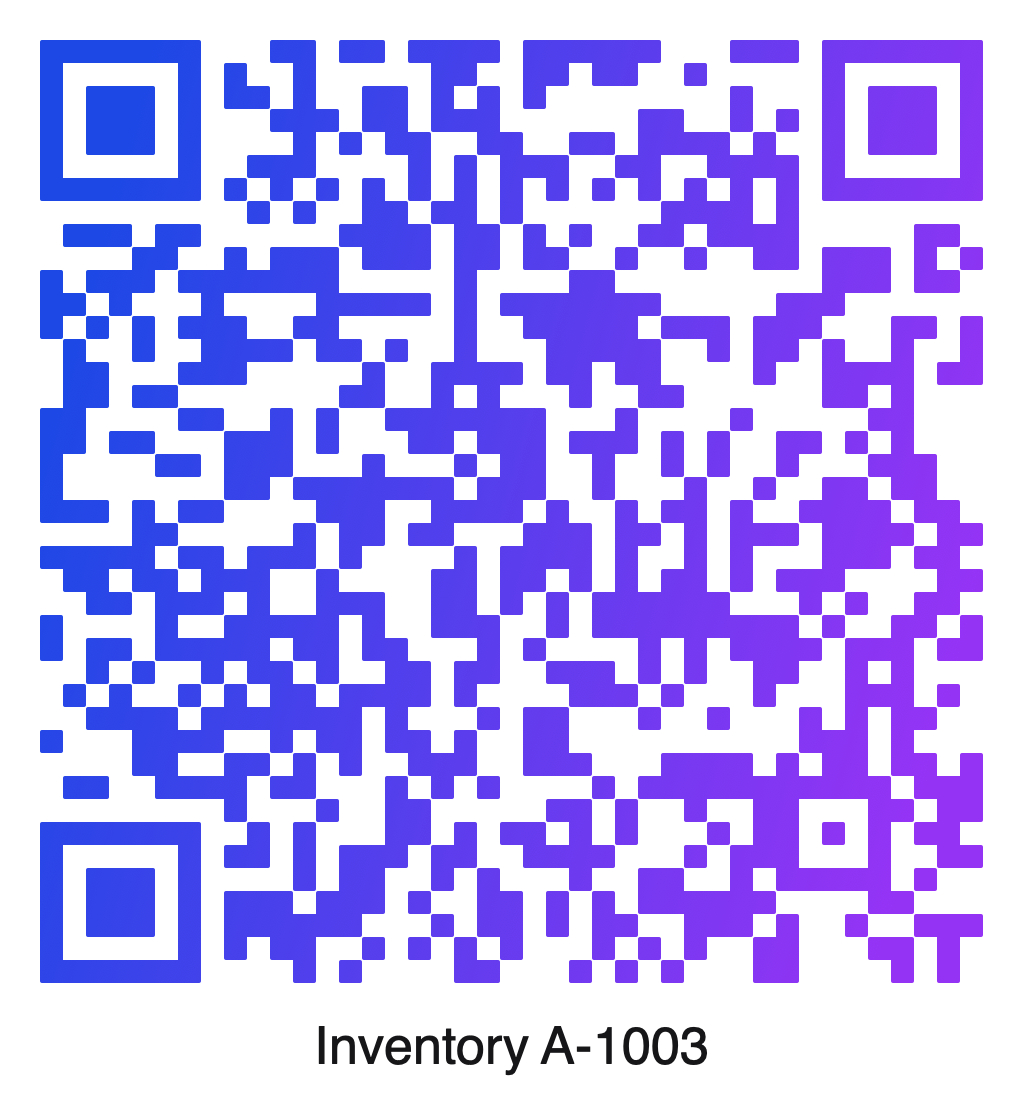
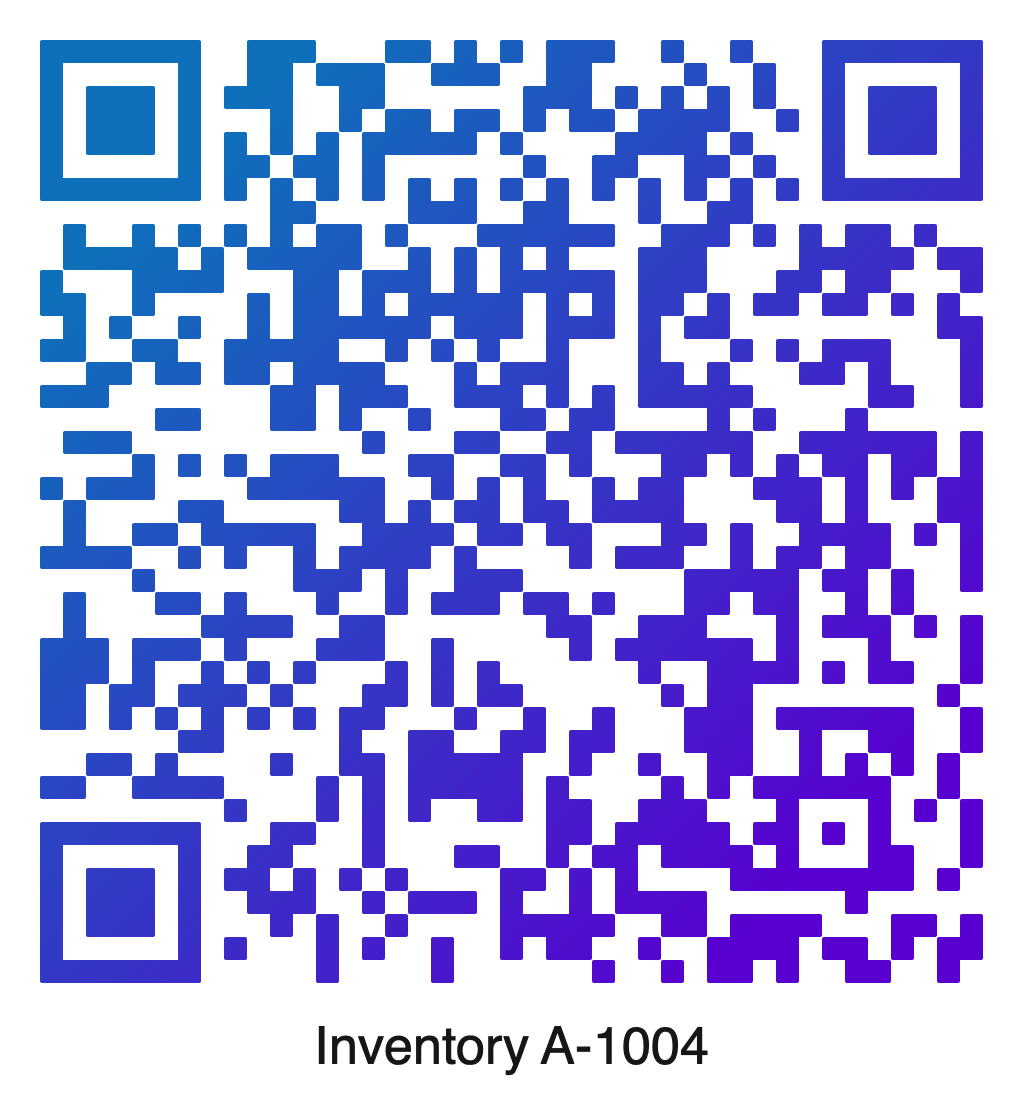
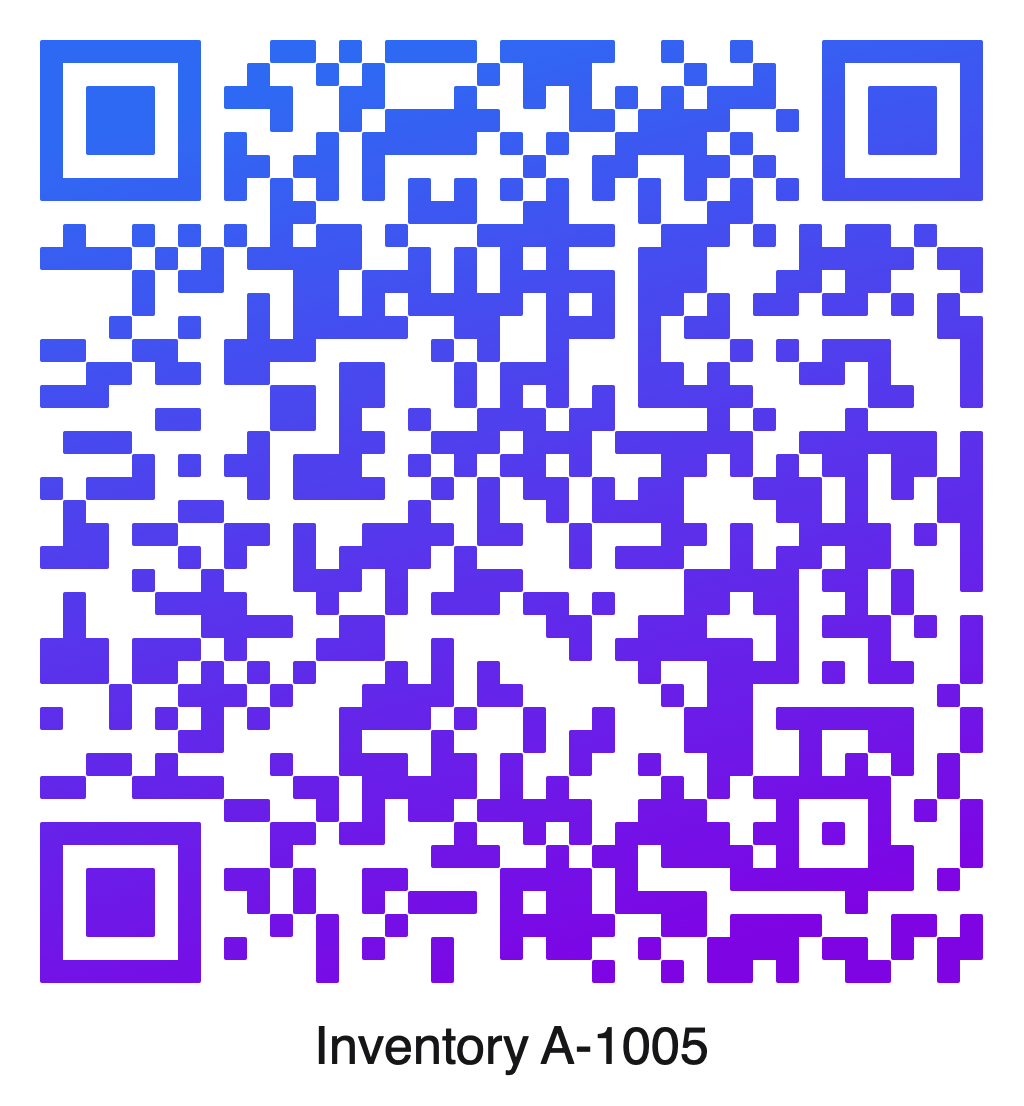
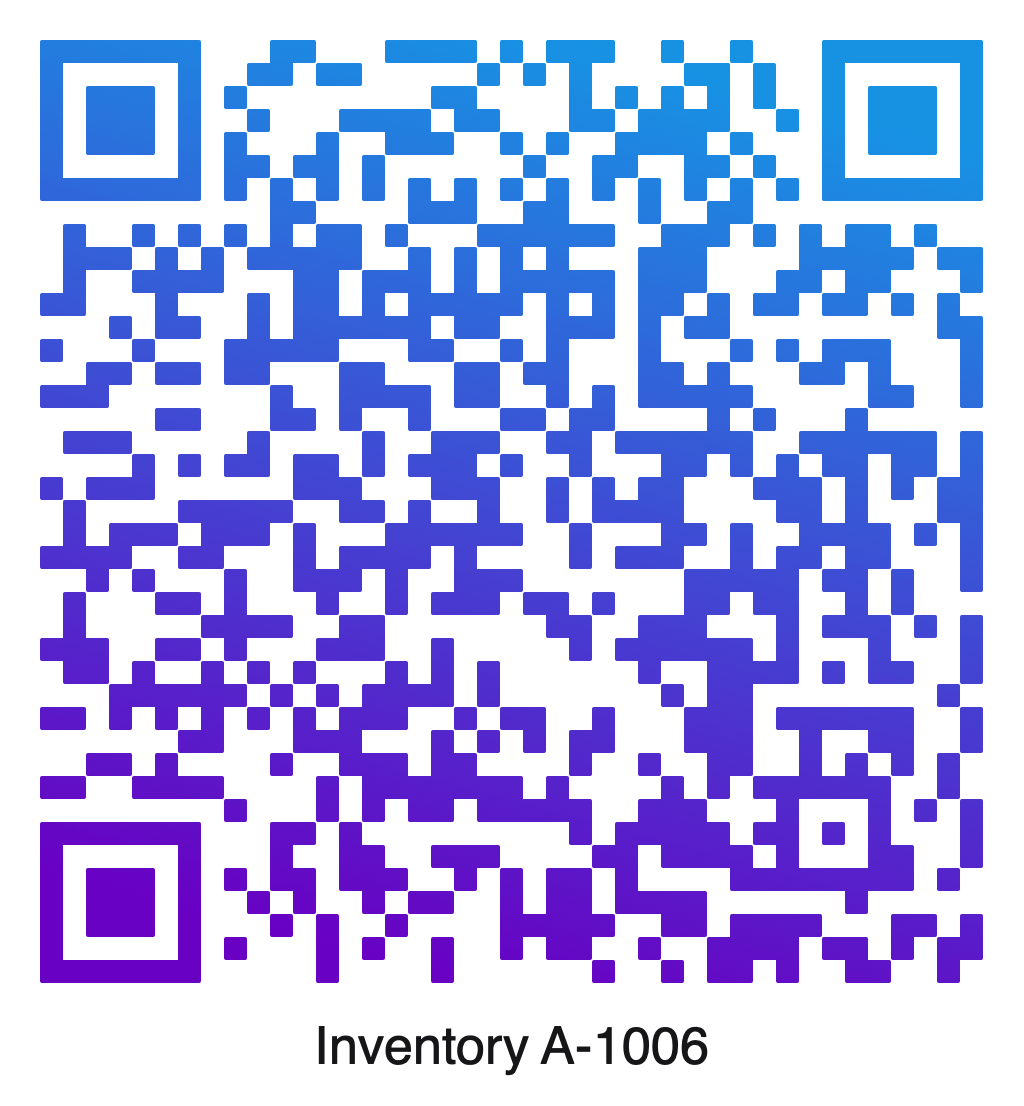
Use CSV columns to create unique content, text, icons, and appearance settings for every code.
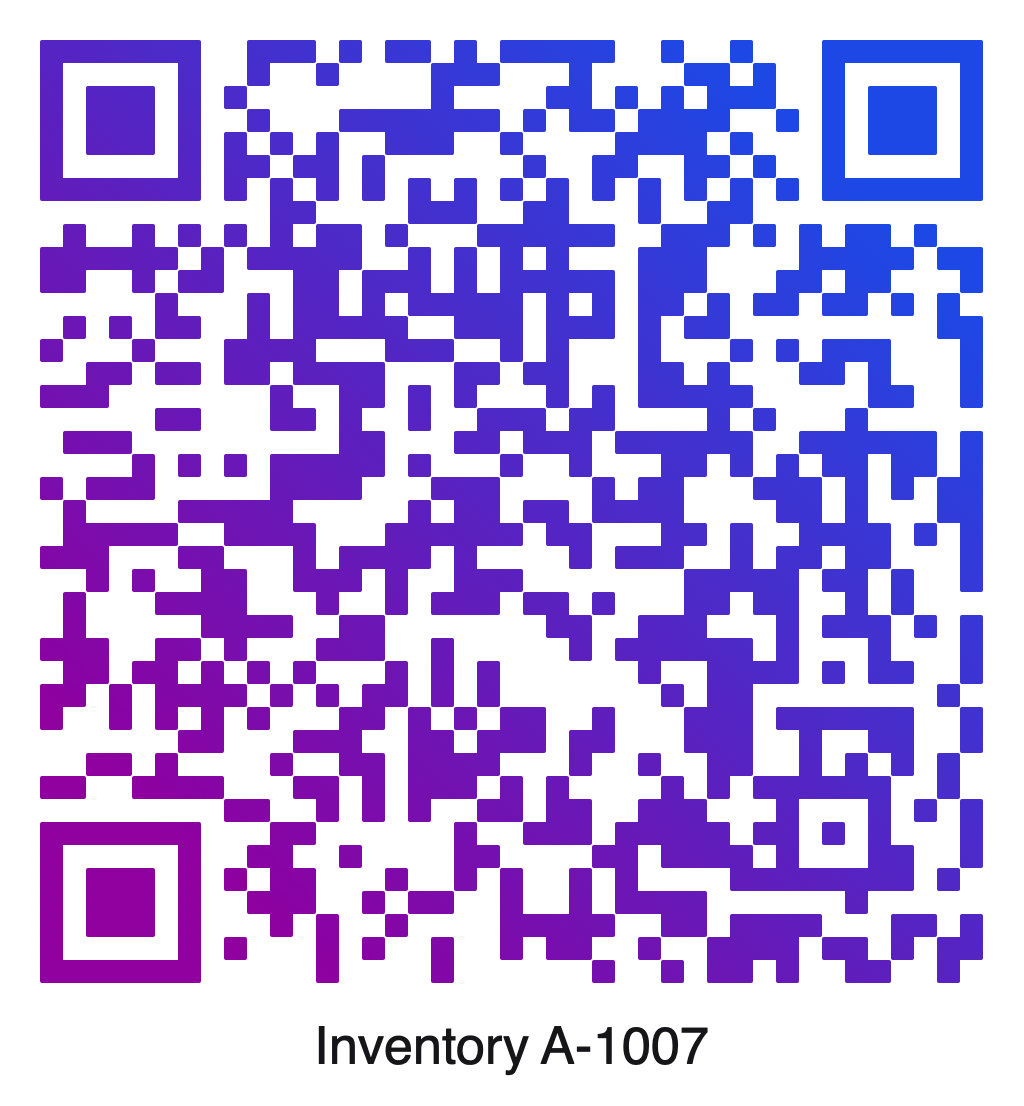
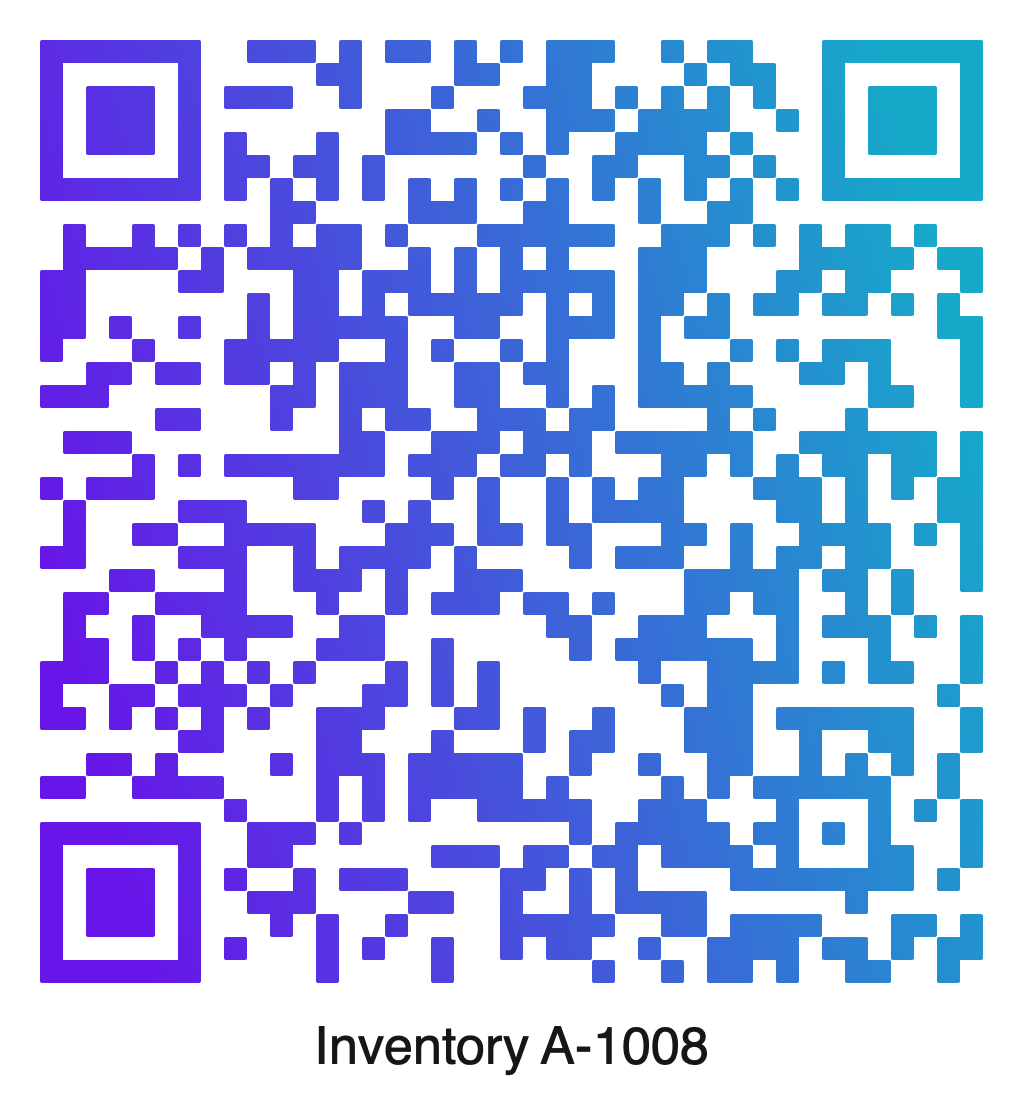
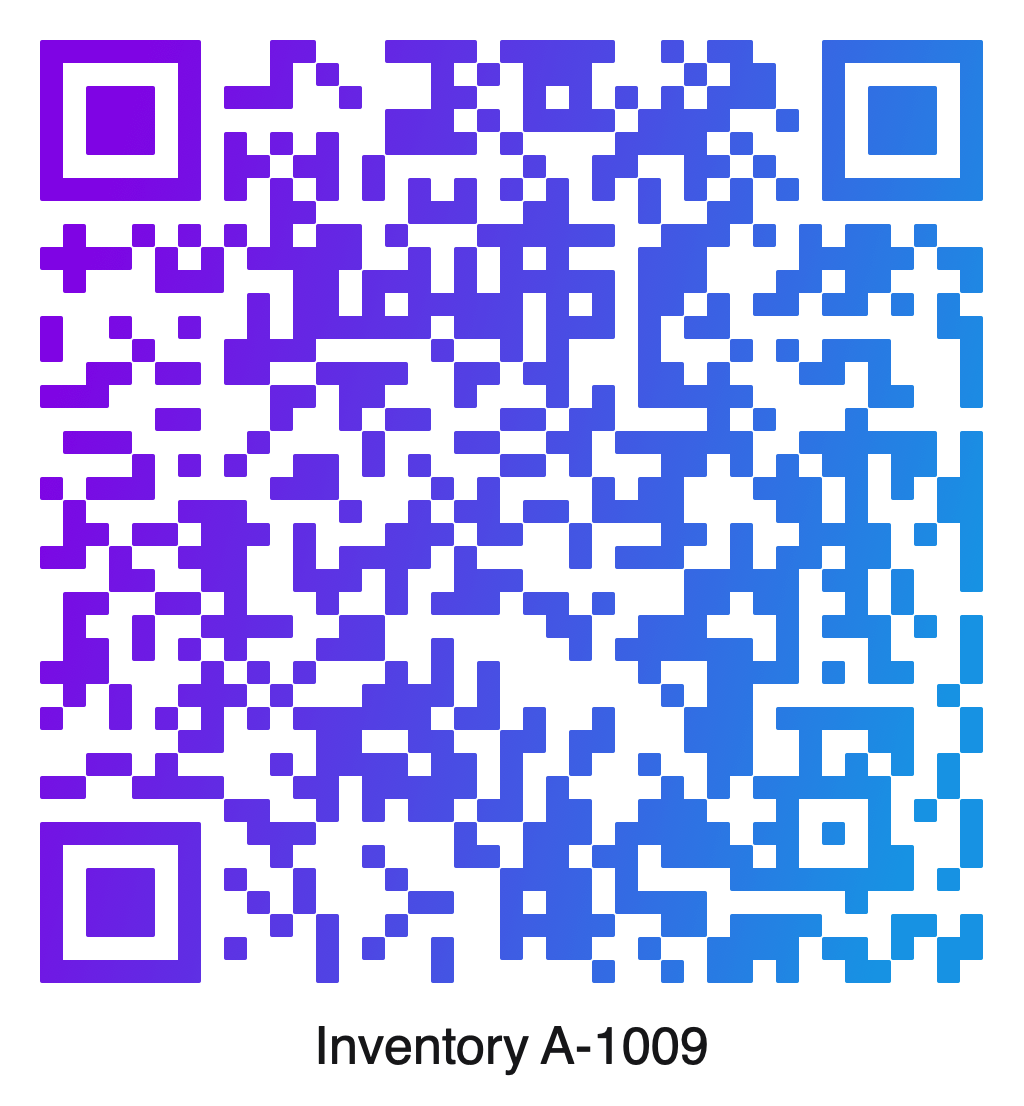
Place unique codes and readable text on Avery Standard, Avery A4, DYMO-sized, or custom layouts.
Batch Generation
Generate hundreds or thousands of unique QR codes from a CSV file. Customize every result, verify the batch, and export print-ready files with no software-imposed batch limit.
CSV Data
Import a CSV file to generate hundreds or thousands of unique QR codes. Each column can control encoded data, printed text, icons, colors, and other appearance settings.
* TIFF and EPS export are available on Mac.
Labels
Select an Avery or DYMO product number, or define a custom sheet layout. QR Factory 3 automatically positions every QR code and text label in a print-ready PDF.
Design & Readability
Customize QR codes with center icons, colors, gradients, rounded modules, and more. QR Factory 3 checks readability after every change, automatically adjusts the reliability level when needed, and warns when a design can no longer be scanned.
Select a tab to explore the available customization options.
This customized QR code passed automatic verification and can be decoded successfully.
After the center icon was enlarged, QR Factory 3 automatically increased the reliability level until it reached the highest setting. Even with the additional error correction, the QR code can no longer be verified because too much of the code is obscured. The design must be adjusted before export.
View the raw encoded content exactly as it will be stored in the QR code. This example uses the standard WiFi QR code format.
QR Factory 3 automatically checks readability after every design change, including colors, gradients, rounded modules, and center icons. If a QR code can no longer be scanned reliably, an immediate warning appears before it can be exported.
When automatic adjustment is enabled, QR Factory 3 increases the reliability level as needed. If the highest level is still not enough, the design must be adjusted. Readability checking validates the QR code itself, not the website or other destination it contains.
The same verification engine verifies every QR code generated during batch jobs and summarizes the results in a detailed verification report.
Export
Export QR codes for digital use and professional print workflows. Choose the appropriate file format and color space for websites, packaging, labels, signage, commercial printing, and more.
| Format | Color spaces |
|---|---|
| PNG | RGB, Grayscale |
| TIFF (Mac) | RGB, CMYK, Grayscale |
| SVG | RGB |
| RGB, CMYK | |
| EPS (Mac) | RGB, CMYK |
Built-in Templates
Create QR codes for websites, contacts, Wi-Fi networks, locations, payments, events, social media, and much more. Built-in templates handle the formatting automatically, so you can focus on your content instead of QR code specifications. From simple home Wi-Fi networks to advanced enterprise authentication, QR Factory 3 makes it easy to create compatible QR codes with confidence.
vCard Contacts
Create professional vCard QR codes with support for more contact information than many QR code generators provide. Add multiple phone numbers, email addresses, postal addresses, and social profiles, along with nicknames, phonetic spellings, company details, and more.
Privacy
QR codes are generated entirely offline on your device.
Nothing is uploaded to Tunabelly.
Tap each item to learn how QR Factory protects your data.
Platforms
Create, customize, verify, generate batches, create label PDFs, and export QR codes on Mac or iPad. QRD documents can be reopened and edited on either platform, making it easy to continue your work wherever you are.
Everything in the iPad version, plus command-line tools, macOS Services, and Enterprise Edition support for professional and managed deployment workflows.
Create, customize, verify, generate CSV batches, create label PDFs, and export QR codes in a touch-first workspace designed specifically for iPad.
Supports the same QR creation, verification, batch generation, label PDF creation, and export workflow as macOS.
Pricing
QR Factory 3 is a free download. Unlock the full app with either a flexible subscription or a one-time purchase. Organizations managing Macs can choose the separate Enterprise Edition.
For occasional or short-term use
Lifetime access with no recurring fees
$29.99 USD
*Prices shown in U.S. dollars. Local pricing, currency, and applicable taxes may vary by country or region.
Designed for organizations deploying QR Factory on managed Macs, or for anyone who prefers an upfront purchase without in-app purchases.

Quick answers about direct QR codes, verification, batch production, and purchasing.
QR Factory 3 creates direct (static) QR codes. The encoded information is written directly into the QR code itself, so there are no redirect services, hosted links, or third-party servers involved.
No. QR Factory 3 generates direct QR codes that never expire. They continue working as long as the destination itself remains available, such as a website, email address, or Wi-Fi network.
No. QR Factory 3 does not require an account to create, customize, verify, or export QR codes.
No. QR Factory 3 generates QR codes entirely on your device. Your QR code content is never uploaded to Tunabelly or any third-party server, and no Internet connection is required to create QR codes.
No. QR Factory 3 does not collect analytics, telemetry, advertising identifiers, or usage tracking. Your activity remains entirely on your device.
QR Factory 3 includes built-in support for websites, Wi-Fi networks, contacts, email, phone numbers, SMS messages, locations, calendar events, cryptocurrency, SEPA payments, social media, and many other QR code formats. Built-in QR formats automatically generate properly formatted QR codes, so there’s no need to learn QR code specifications.
QR Factory 3 provides extensive customization options, including colors, gradients, rounded modules, center icons, bottom text, safe zones, reliability levels, and much more. Automatic verification continuously checks readability as you customize your QR codes.
Yes. QR Factory 3 can save your work as a QRD document, preserving the encoded content, appearance, export settings, and other options. QRD documents can be reopened later on either Mac or iPad so you can continue editing exactly where you left off.
QR Factory 3 can generate thousands of unique QR codes from a CSV file. Each row creates a different QR code, while CSV columns can customize the encoded content, appearance, center icons, printed text, filenames, export settings, and much more. Batch generation is available on both Mac and iPad.
CSV files can customize much more than the encoded content. Individual columns can control printed text, center icons, colors, gradients, reliability levels, filenames, export settings, and many other appearance options, allowing every generated QR code in a batch to be unique.
QR Factory 3 supports Avery Standard, Avery A4, DYMO-compatible label layouts, and fully customizable label sheets. Labels can include unique QR codes with optional text beneath each code and can span multiple PDF pages.
Verification checks whether a QR code can still be decoded successfully after customization. QR Factory 3 automatically tests readability as you change colors, gradients, rounded modules, center icons, bottom text, and other design options. If Automatic Reliability is enabled, QR Factory 3 increases the reliability level when needed and warns you if the QR code can no longer be verified.
No. QR Factory 3 offers flexible subscription options as well as Lifetime Access, a one-time purchase available within the app. If you prefer an upfront App Store purchase with no subscriptions or in-app purchases, QR Factory 3 Enterprise Edition is also available.
Yes. Any QR Factory 3 subscription or Lifetime Access purchase unlocks both the Mac and iPad versions. Simply sign in with the same Apple Account used for the purchase to restore access on your other device.
Yes. The free trial automatically converts to the selected subscription unless it is cancelled before the trial ends. QR Factory 3 provides links explaining how to manage or cancel the subscription. After cancelling, you can let the trial expire without purchasing or choose Lifetime Access.
QR Factory 3 offers subscriptions and Lifetime Access for individual users. QR Factory 3 Enterprise Edition is designed for organizations and users who prefer an upfront App Store purchase with no subscriptions or in-app purchases. It also supports deployment through Apple Business Manager and Mobile Device Management (MDM) solutions.
Yes. QR Factory 3 Enterprise Edition is designed for business and educational deployments. It supports Apple Business Manager and deployment using your existing MDM solution, making it easy to install and manage QR Factory 3 across multiple Macs.
Featured in Macworld’s Mac Gems
Download QR Factory 3 and create QR codes that are generated entirely on your device, with no hosting, redirects, tracking, or expiration.
Requires macOS 12 or later and iPadOS 15 or later.